Platform·QWED Dashboard
See what QWED decided, and why.
QWED Dashboard shows every decision your QWED server recorded: what was checked, what the verifier said, whether the action went ahead, and the record behind it. It runs against your own server.

Early, version 0.x
- Open sourceApache-2.0, on GitHub.
- Your serverIt talks only to the QWED server you run.
- Try it in a minuteSample data runs in your browser; nothing is sent anywhere.
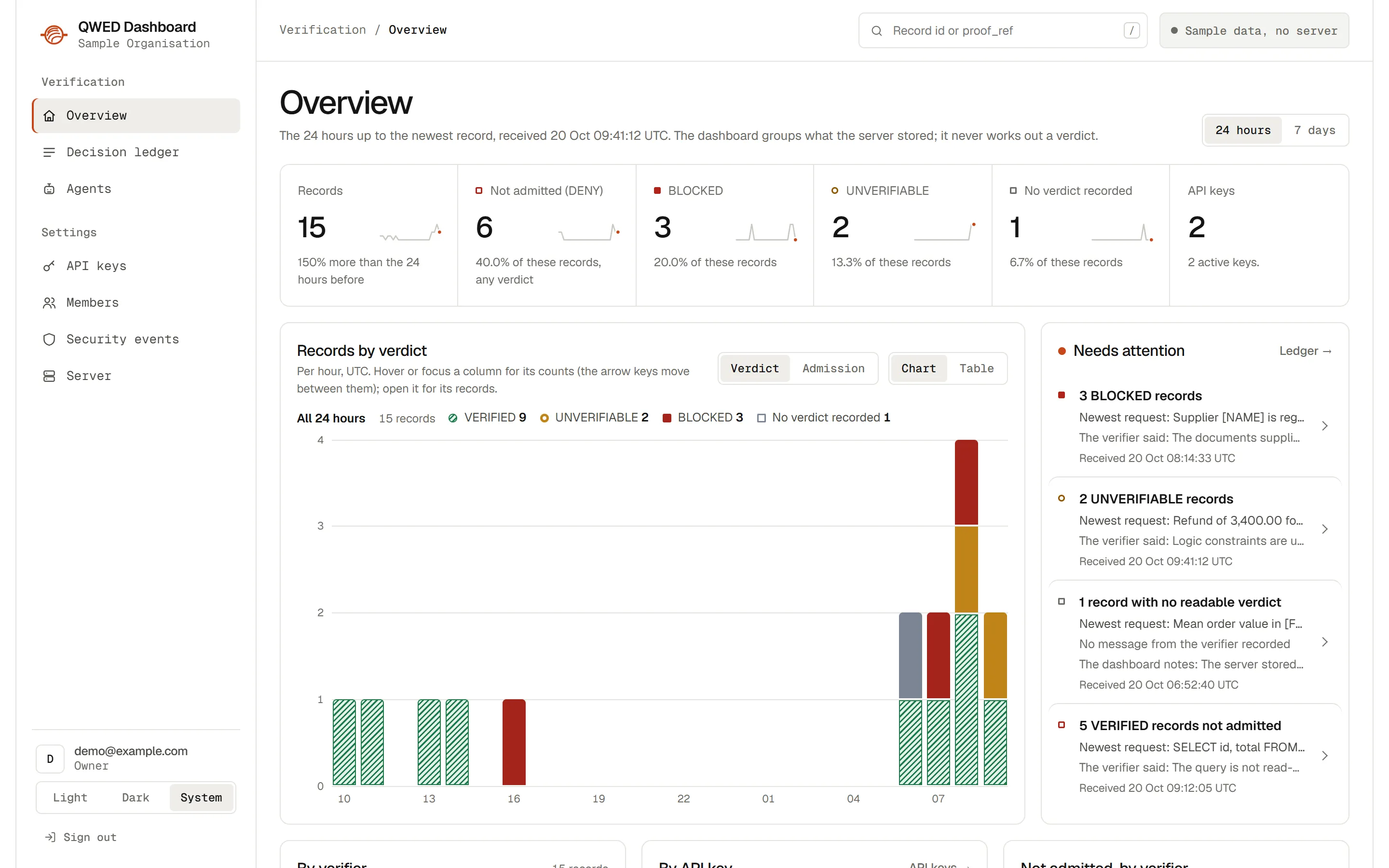
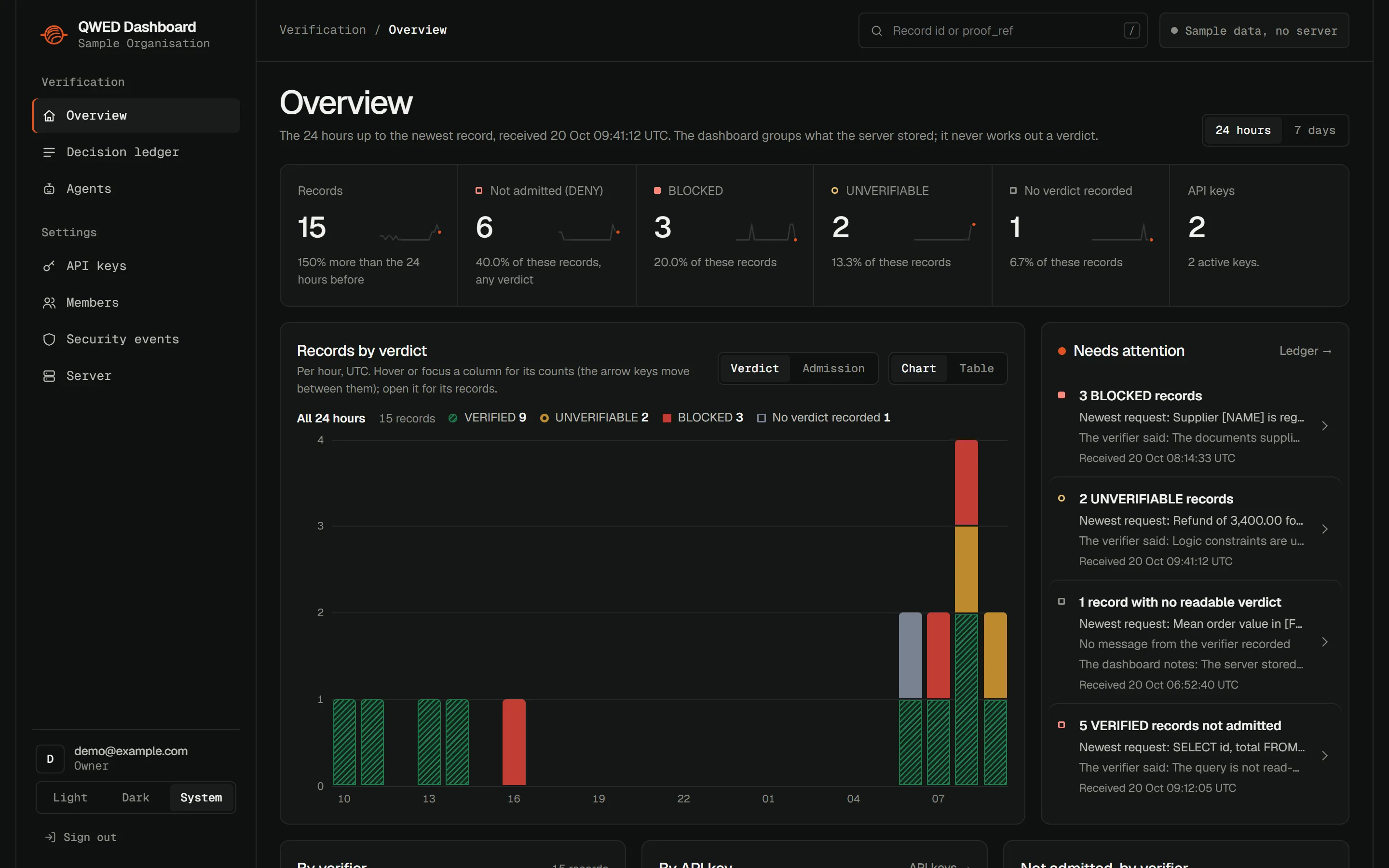
The overview
What it shows today
Everything comes from what your QWED server stored. The dashboard reads it; it does not decide anything.
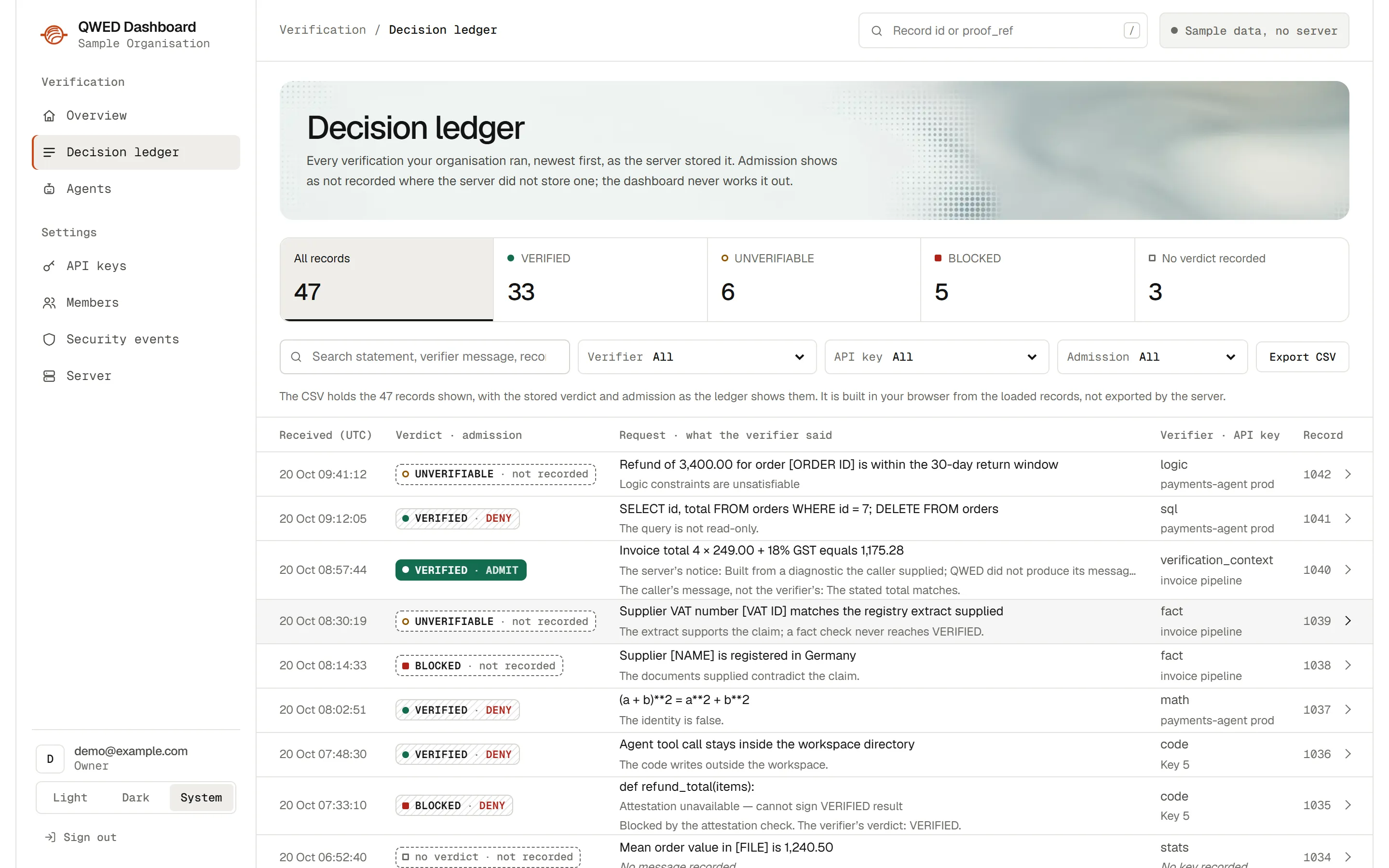
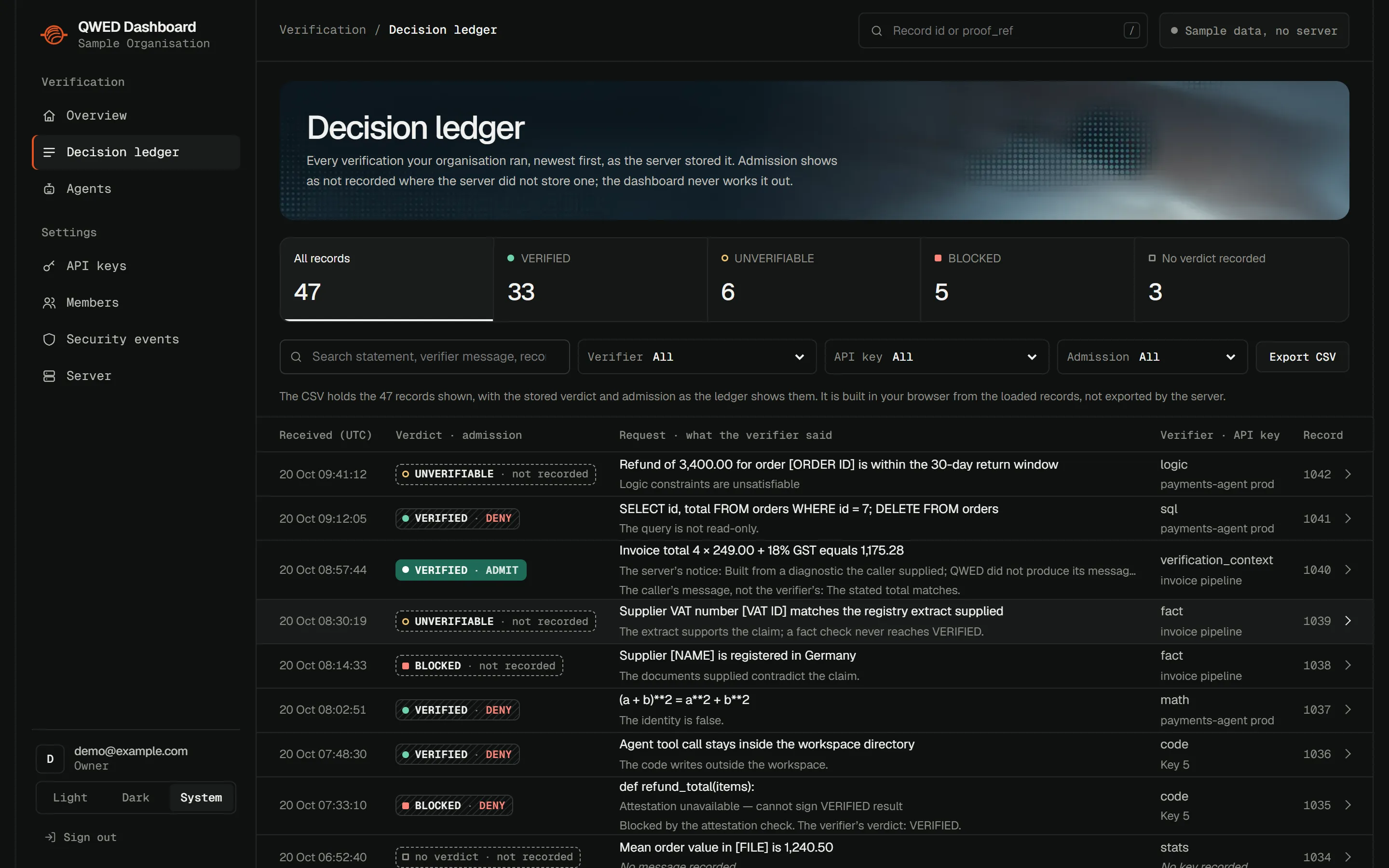
The decision ledger
Every verification your organisation ran, newest first: what was asked, what the verifier said, the verdict, and whether the action was allowed to go ahead. Filter it, search it, export it as CSV.
Each record, as stored
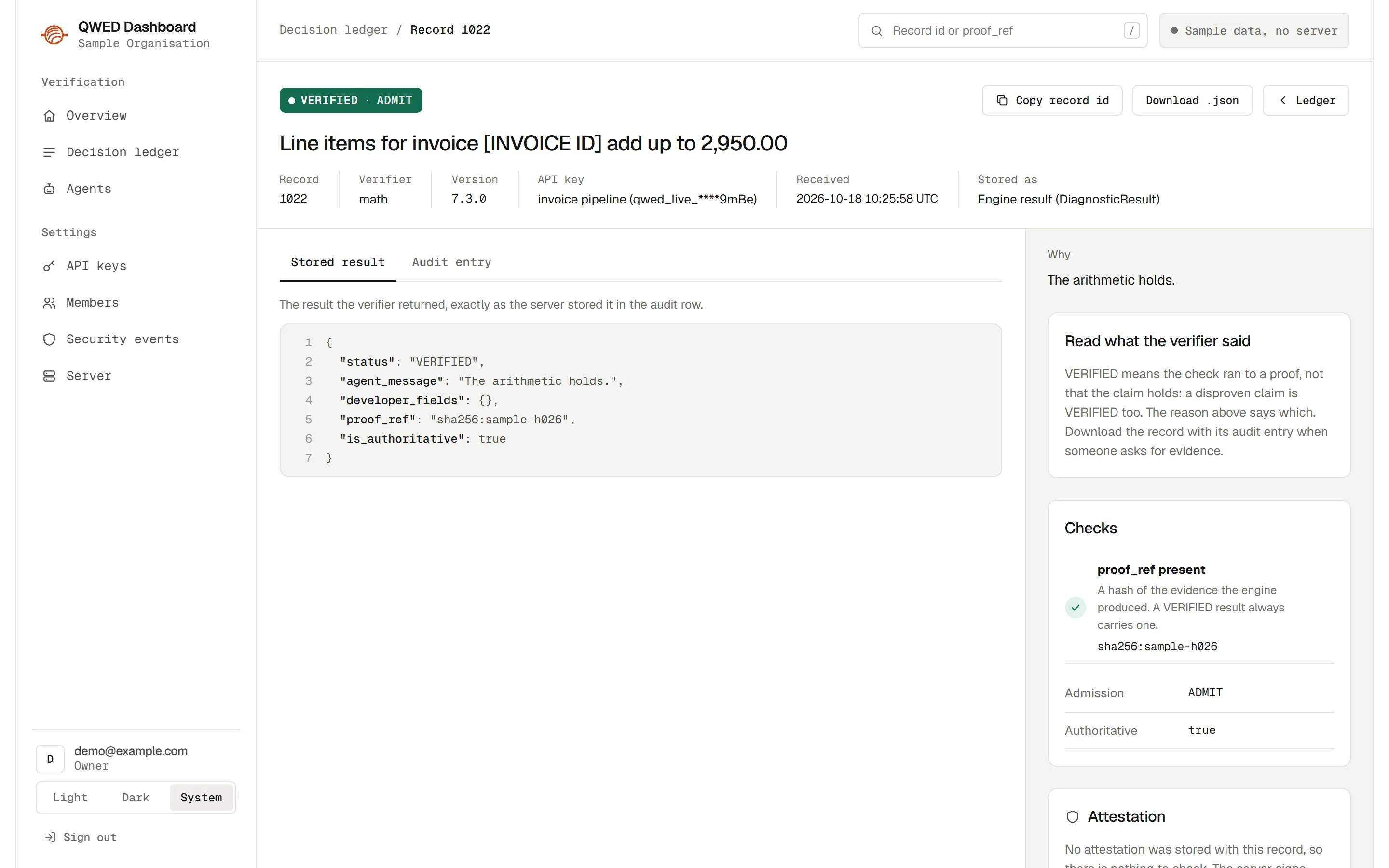
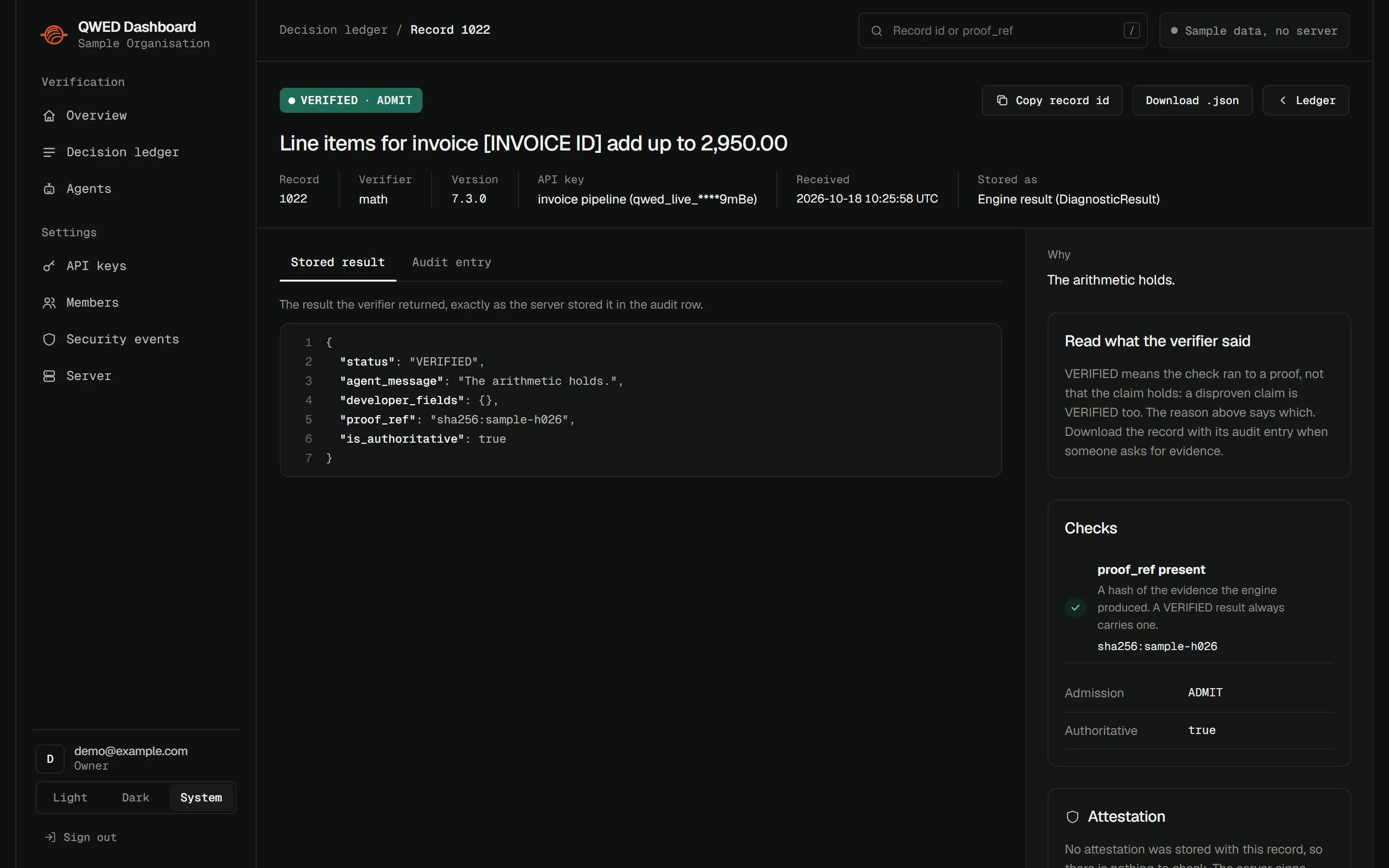
The request, the verifier’s words and the result exactly as the server kept it, with a copy you can download when someone asks for evidence.
Signatures, checked in your browser
Where the server signed a result, the record page checks that signature with the server’s public keys, and says whether it matches and has not expired.
The audit chain
Checks the signature of every audit entry and the link between each one and the next, so an entry that was changed or removed shows up.
What needs attention
Records that were blocked, could not be proven, or were not admitted, grouped so a person can review them first.
Keys, people and agents
API keys and when each was last used, members and their roles, registered agents, and security events such as a leaked key being revoked.
The words on a record, in plain English
Written for the people who read the records, not only the people who write the code.
- VERIFIED
- The check ran to a proof. It can prove a claim true or prove it false; the reason says which.
- UNVERIFIABLE
- The check could not reach a proof either way, so nothing is taken on trust.
- Admission: ADMIT or DENY
- Whether the action was allowed to go ahead. Anything not proven safe is denied.
- proof_ref
- A fingerprint of the evidence behind a result, so the same evidence can be found and checked again later.
- Attestation
- The server’s digital signature on a result: it shows who issued it and that it has not been changed since.
- Audit chain
- Each stored entry is signed and linked to the one before it, like numbered pages, so a missing or edited page shows.
What it never does
A review tool is only useful if it never puts words in the verifier’s mouth.
-
It never works out a verdict or an admission itself. It shows what the QWED server decided and stored.
-
Where the server stored no value, it says “not recorded” instead of filling one in.
-
A request, or a message a caller supplied, is labelled as the caller’s and kept apart from what the verifier said.
-
It does not run or replay the actions that were verified.
In development · no dates promised
What comes next
The checks already decide. These are for the decisions a person still has to make.
A review queue
Outputs that could not be proven wait for a person, instead of going ahead.
Signed human overrides
A human override is recorded as its own signed status, with who made it, when and why. It is never shown as VERIFIED.
An audit and proof view
For auditors and leadership: every decision with its evidence and its record, in one place.
Run it with sample data
You need Node.js 22.22.2 or later. Then open http://localhost:5173 and choose Explore with sample data. No QWED server is needed for that.
git clone https://github.com/QWED-AI/qwed-dashboardcd qwed-dashboardnpm cinpm run devTo connect your own QWED server, copy .env.example to .env and set QWED_API_URL. A new server has no user yet: create the first owner.
Questions
Is it free?
QWED Dashboard is open source under the Apache-2.0 licence. You can run it, read it and change it.
Does it send our data anywhere?
It talks only to your own QWED server. No hosted QWED service sits in the path. With sample data, nothing leaves your browser.
Can I use it today?
Yes, from source: it is early, version 0.x, and has no packaged release yet. A release follows the dashboard work in qwed-verification.
Who is it for?
Anyone who has to answer for what an AI system did: the engineers who run QWED, and the reviewers, auditors and leaders who read its records.
Running AI decisions that need a person’s sign-off?
We are looking for design partners: teams who will use the dashboard early and tell us what their reviewers and auditors need from it.